- Приложения
- Premium
-
Страны
- Помощь
- Регистрация
- Войти
VPN для Wi-Fi: безопасен ли публичный Wi-Fi на самом деле?
Содержание
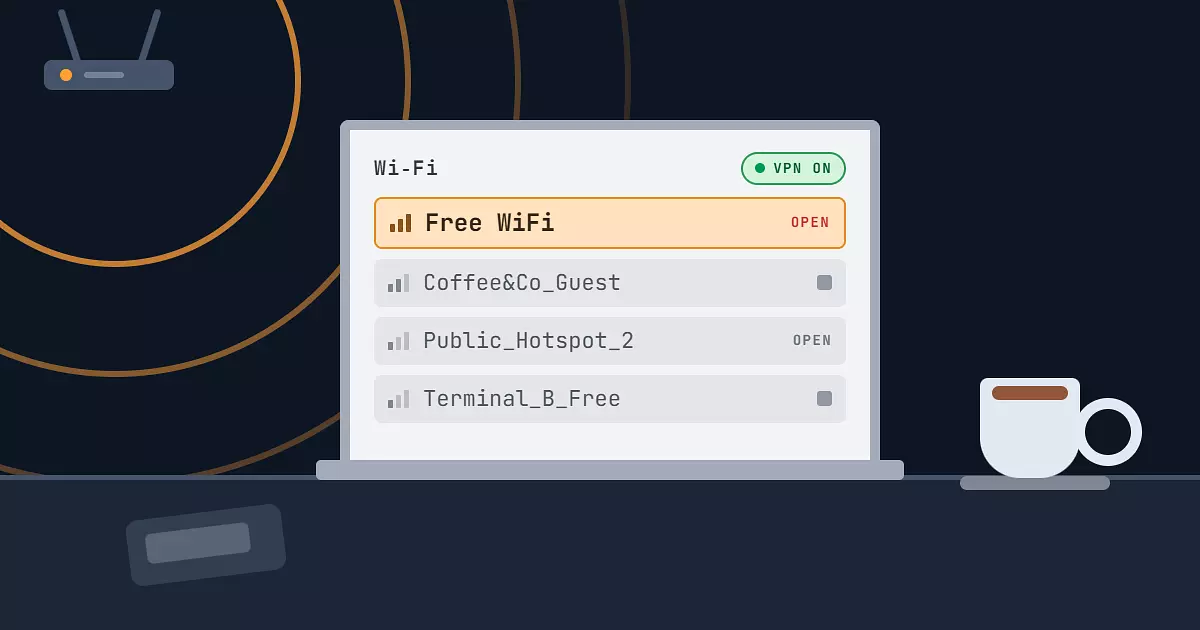
Публичный Wi-Fi это удобно. Он есть в кафе, аэропортах, отелях, торговых центрах и даже в поездах и метро, и позволяет не тратить мобильный трафик. Но такие сети используются десятками незнакомых людей одновременно, а их защита часто слабая или вообще не работает.
По данным отчёта Statista, чаще всего данные пользователей оказываются скомпрометированы через публичный Wi-Fi в кафе и ресторанах (38% опрошенных), отелях (38%), библиотеках (33%) и аэропортах (32%).
VPN для Wi-Fi помогает защитить соединение в таких ситуациях. Он шифрует интернет-трафик ещё до того, как тот покидает устройство, и делает данные нечитаемыми для всех, кто пытается отслеживать сеть.
Какие риски несёт публичный Wi-Fi
Публичные сети удобны, но обычно не отличаются надёжной защитой. Поскольку к одной точке доступа подключаются сразу много человек, злоумышленникам проще перехватывать трафик или искать уязвимости в соединении.
Самые распространённые риски:
перехват трафика, когда атакующий пытается собрать данные, идущие через сеть
поддельные точки доступа, имитирующие легитимный Wi-Fi, чтобы заманить пользователей
перехват сессии, когда крадут логины или куки активной сессии
вредоносные редиректы, ведущие на небезопасные сайты
Даже если сама сеть легитимна, узнать, как она настроена и кто ещё к ней подключён, обычно невозможно. Именно поэтому CISA (Агентство по кибербезопасности и защите инфраструктуры США) рекомендует относиться к публичному Wi-Fi как к недоверенной среде и отдельно предупреждает про атаки типа "злой двойник" (evil twin), когда злоумышленник выдаёт свою точку доступа за легитимную, чтобы перехватывать трафик.
Как обезопасить себя в публичном Wi-Fi
VPN один из самых эффективных способов защитить соединение в публичных сетях. Шифрование делает трафик нечитаемым для всех, кто пытается его отслеживать.
Есть и дополнительные привычки, которые снижают риски при использовании публичных точек доступа:
не заходить в важные аккаунты, если соединение выглядит подозрительно
отключить автоподключение к незнакомым сетям
проверять, что сайт использует HTTPS, прежде чем вводить личные данные. Как отмечает FTC (Федеральная торговая комиссия США), зашифрован должен быть весь визит на сайт, а не только страница авторизации
вовремя устанавливать обновления безопасности на устройство и браузер
Ни один из этих шагов сам по себе не даёт стопроцентной защиты, но вместе они заметно снижают риск утечки данных.
Зачем нужен VPN для публичного Wi-Fi
Когда вы подключаетесь к VPN, устройство создаёт зашифрованный туннель до защищённого сервера. Вместо того чтобы отправлять трафик напрямую через локальную сеть, VPN сначала шифрует данные и только потом передаёт их дальше.
Это даёт два важных эффекта. Во-первых, другие пользователи той же сети Wi-Fi не смогут прочитать или перехватить ваши данные. Во-вторых, сайты, которые вы посещаете, не видят ваш настоящий IP-адрес, а значит, вы получаете ещё один уровень приватности.
Для тех, кто часто путешествует, работает удалённо или регулярно подключается к публичным точкам доступа, VPN помогает поддерживать одинаковый уровень защиты независимо от того, откуда вы выходите в сеть. Использование VPN может также помочь и по другим причинам.
Как пользоваться VPN в Wi-Fi
С Browsec VPN вы можете защитить соединение и данные при использовании публичного Wi-Fi.
Скачайте Browsec VPN на телефон, планшет, ноутбук или компьютер.
Выберите подходящий сервер из списка в приложении.
Включите VPN, и соединение будет защищено.
С этого момента весь интернет-трафик проходит через зашифрованное VPN-соединение, пока вы находитесь в сети. У нас есть расширения для Chrome, Firefox, Edge и Opera, а также приложения для iOS и Android и десктопные версии для Windows, macOS и Linux, чтобы вам было удобно пользоваться VPN в любом браузере и на любом устройстве.
Плюсы и минусы VPN в Wi-Fi
Как и у большинства инструментов безопасности, у VPN есть свои преимущества и ограничения.
Плюсы
шифрует интернет-трафик в публичных сетях
защищает от мониторинга сети и перехвата данных
скрывает ваш IP-адрес от сайтов и трекеров
добавляет дополнительный уровень приватности при просмотре
Возможные минусы
шифрование и маршрутизация иногда немного снижают скорость соединения
некоторые сети или сервисы могут ограничивать VPN-трафик
VPN не защищает от вредоносного ПО и небезопасных загрузок
Для большинства пользователей польза для приватности и безопасности перевешивает эти небольшие компромиссы, особенно при подключении вне дома.
Публичный Wi-Fi против домашнего: нужен ли VPN в обоих случаях
Публичные сети Wi-Fi обычно несут более высокий риск. Ими пользуются много разных людей, а их настройки, как правило, вне вашего контроля. Поэтому использование VPN в публичном Wi-Fi настоятельно рекомендуется.
Домашние сети Wi-Fi обычно надёжнее, поскольку доступ к ним ограничен паролем и настраивается владельцем роутера. Во многих случаях это уже даёт разумный уровень защиты.
Тем не менее некоторые пользователи предпочитают использовать VPN и дома. Это помогает снизить отслеживание со стороны интернет-провайдера, добавляет ещё один уровень приватности и делает историю посещений менее заметной для сторонних сервисов. Хотя VPN важнее всего именно в публичных сетях, он приносит пользу и в домашних условиях.
Как цитировать эту статью
Browsec. "VPN для Wi-Fi: безопасен ли публичный Wi-Fi на самом деле?." Browsec Blog, 6 августа 2026, https://browsecvps.work/ru/blog/wi-fi-vpn.