Meet Browsec Telegram bot 3.0
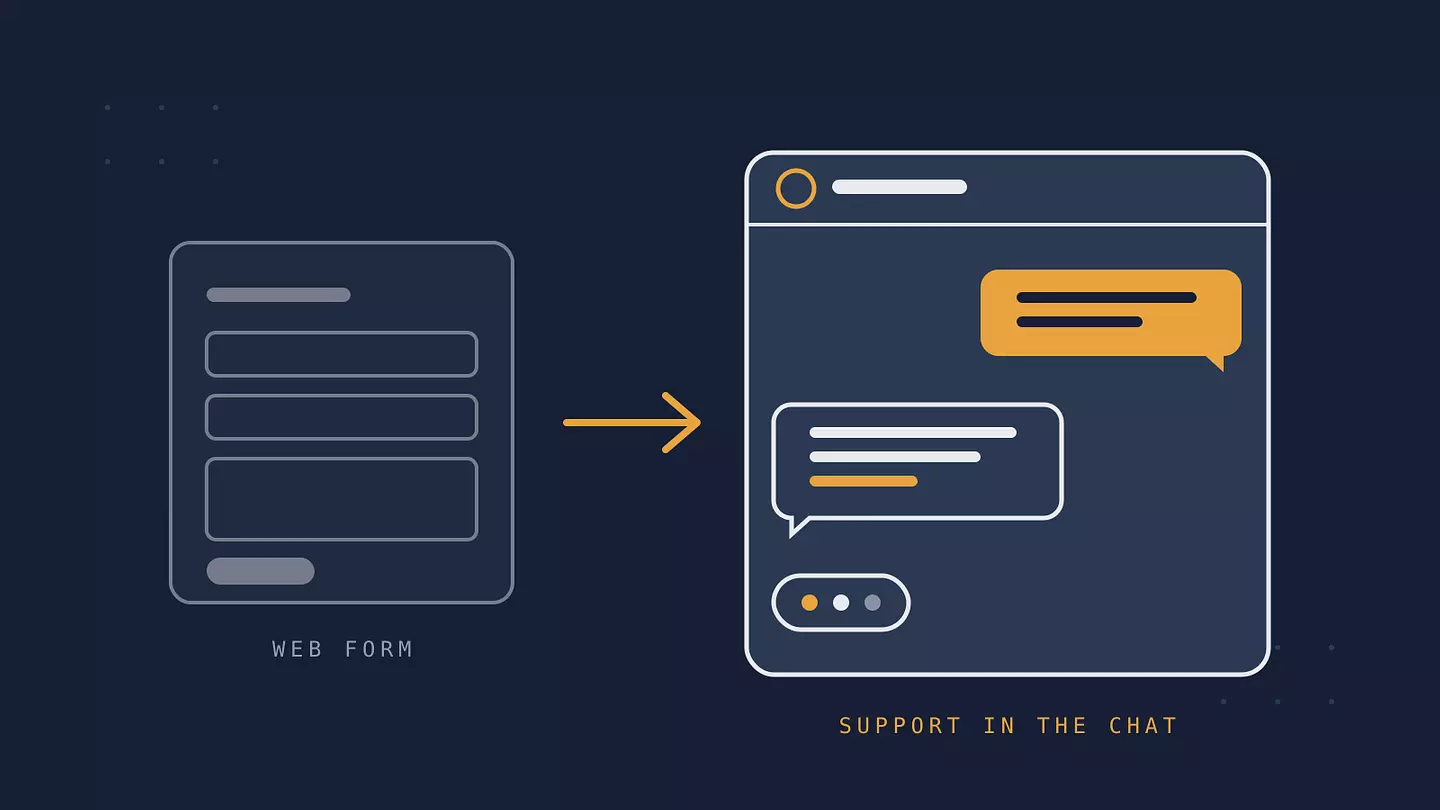
The Browsec Telegram bot just got a major update. Version 3.0 turns it into a direct line to Browsec support: you write a question, and the answer comes back in the same chat. The bot also keeps support and download links within reach when our website is unavailable.
What changed
The previous bot was a menu of screens (Products, FAQ, Premium, Troubleshooting), and to ask a question you had to fill in a form on our website. That form is no longer needed. Every message you send to the bot goes straight to our support team, and the reply lands in your Telegram chat.
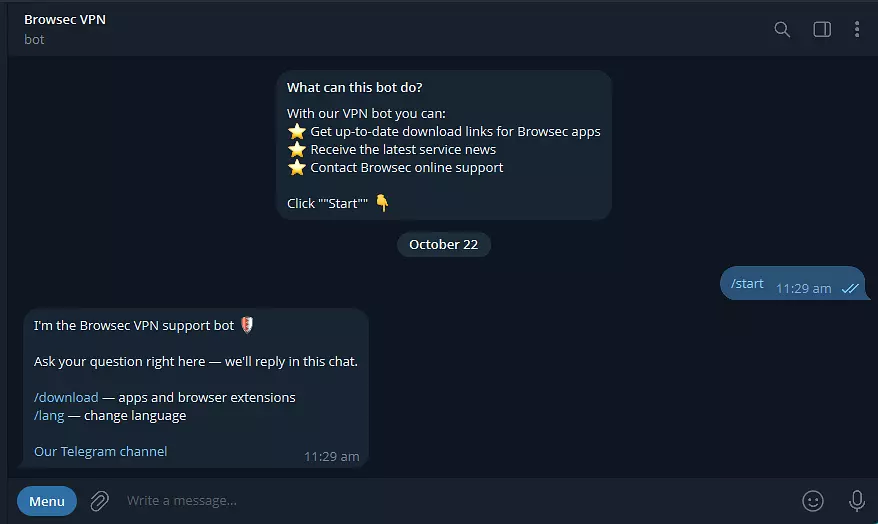
How it works
Just type. Write your question in the chat, no buttons or forms.
Write the way you talk. Send several messages in a row if that is easier. The bot combines them into one request, so your question arrives in full.
Easy to read answers. Replies support formatting such as bold text and links, so step by step instructions are easier to follow.
Simple navigation. Use the Telegram command menu: /download for apps and browser extensions, /lang to change the language, /start to return to the beginning.
Answers come from our AI assistant or a support agent. To keep the line fast for everyone, each user can send up to 5 requests per hour.
Try it
Open the bot in Telegram: @browsec_vpn_robot and send your first question. The bot also brings you service news and a link to our Telegram channel.
이 글 인용하기
Browsec. "Meet Browsec Telegram bot 3.0." Browsec Blog, 2026년 10월 22일, https://browsec.com/ko/blog/browsec-telegram-bot.